
Author: Mark Seaman
Partner Connect is a Databricks tool that simplifies the data connection process to partner products. All the connections are created in Databricks without having to go to the partner product the user would like to connect the data to.
Partner Connect creates a seamless experience with the flow of data to and from Databricks Lakehouse. Partner Connect creates three main types of connections:
- Visualize Data: Allows users to connect data from Databricks to BI tools. e.g. Power BI
- Ingest Data: Bring data from partner systems into the Databricks Lakehouse. e.g. FiveTran
- Transform Data: Integrate with tools that help process and manipulate data within your workflows. e.g. dpt Cloud
With these different types of connections, Partner Connect will create connections for the user. This minimizes the need to know the endpoints and connection string when connecting different resources together.
The content in this blog will only cover information about using Partner Connect to ingest data into Power BI. While some of the content is useful if you are using Partner Connect for the first time, the content is tailored for Power BI.
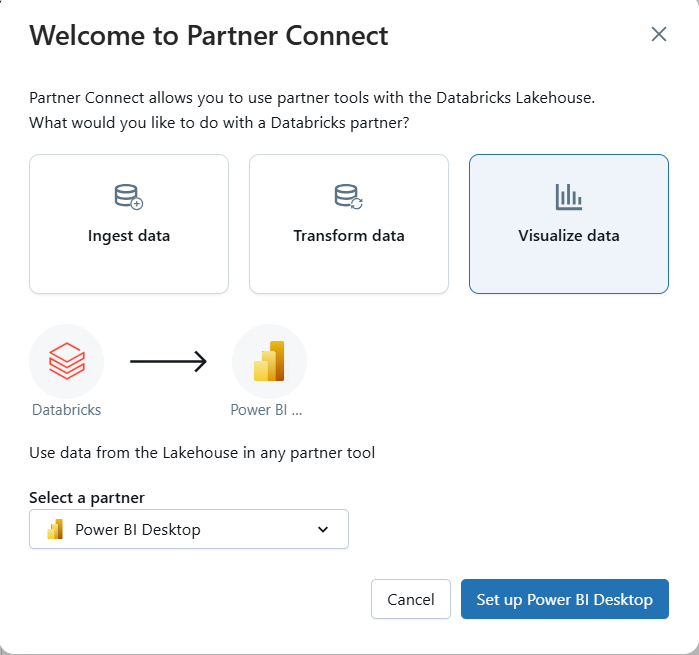
When connecting to BI and visualization tools, the connection is very different from what users are typically used to doing. Where users would typically use an endpoint or connection string to connect to the data in Power BI, Partner Connect creates a “Connection file”. Partner Connect creates a .pbix file (Power BI report file) which has the same capabilities as other Power BI reports files. It can be uploaded into your workspace, refreshed and added to a Dashboard.
Note: This connection is made for the Desktop version of Power BI and Tableau
ADVANTAGES
- Simplified Connection: Partner Connect streamlines the setup, with just a few clicks. Partner Connect configures the Power BI Desktop connection file.
- Faster Integration: It accelerates the time to insight by quickly establishing a connection between your Databricks workspace, SQL Warehouses, or clusters and Power BI.
- Security: Databricks recommends using OAuth or service principals for authentication, which is configured via Partner Connect that simplifies the connection.
LIMITATIONS
- Direct Query Only: This allows minimal data transformation in Power BI. Calculations should be created in Databricks.
- Requires Databricks Premium Plan: This may be an increase in cost if the user does not already have a Premium Plan.
- Only Creates the Connection in Power BI Desktop: If you only create reports in Fabric, you will not be able to create a connection using Partner Connect.
WHY USE PARTNER CONNECT OVER TRADITIONAL CONNECTIONS
Partner Connect is the most beneficial when creating new connections. It allows users to create connections without having to know: Server Hostname, HTTP Path, and additional information. Partner Connect pulls all the information without the user having to insert it themselves.
Note: Connecting Power BI to Databricks without using partner connect
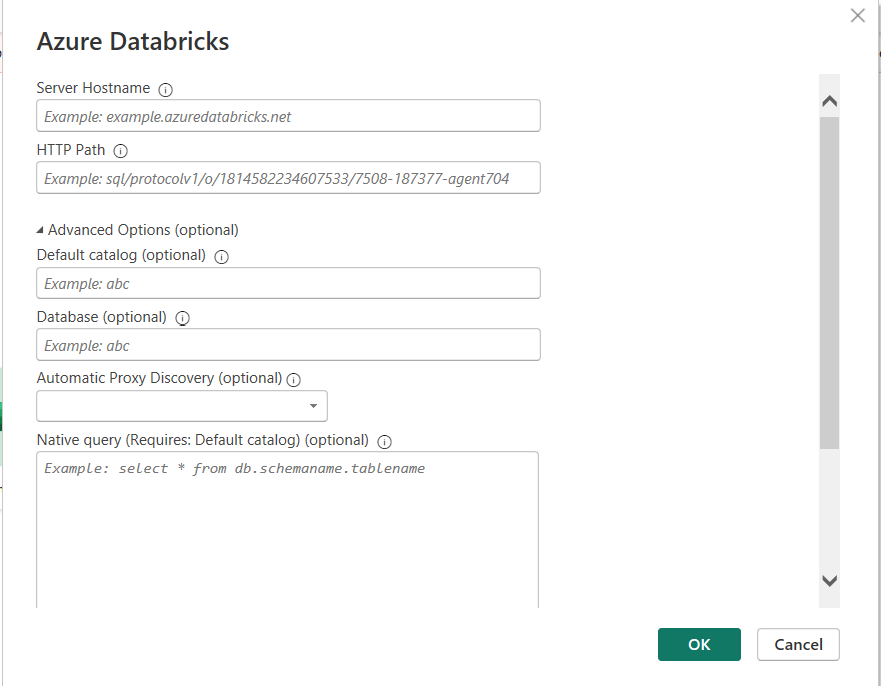
How to: Connecting Databricks to Power BI using Partner Connect
STEP 1: Have your data with all the business rules in Databricks Lakehouse
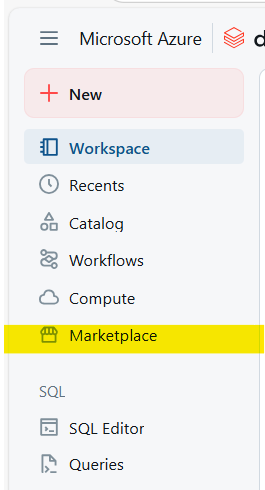
STEP 2: Log into Databricks and click “Marketplace”
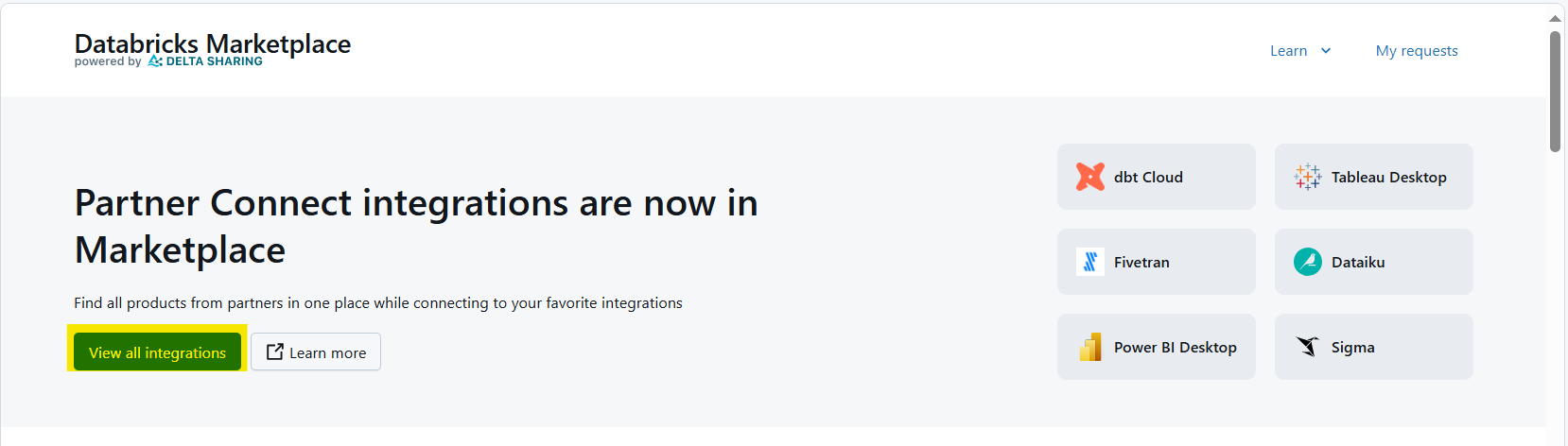
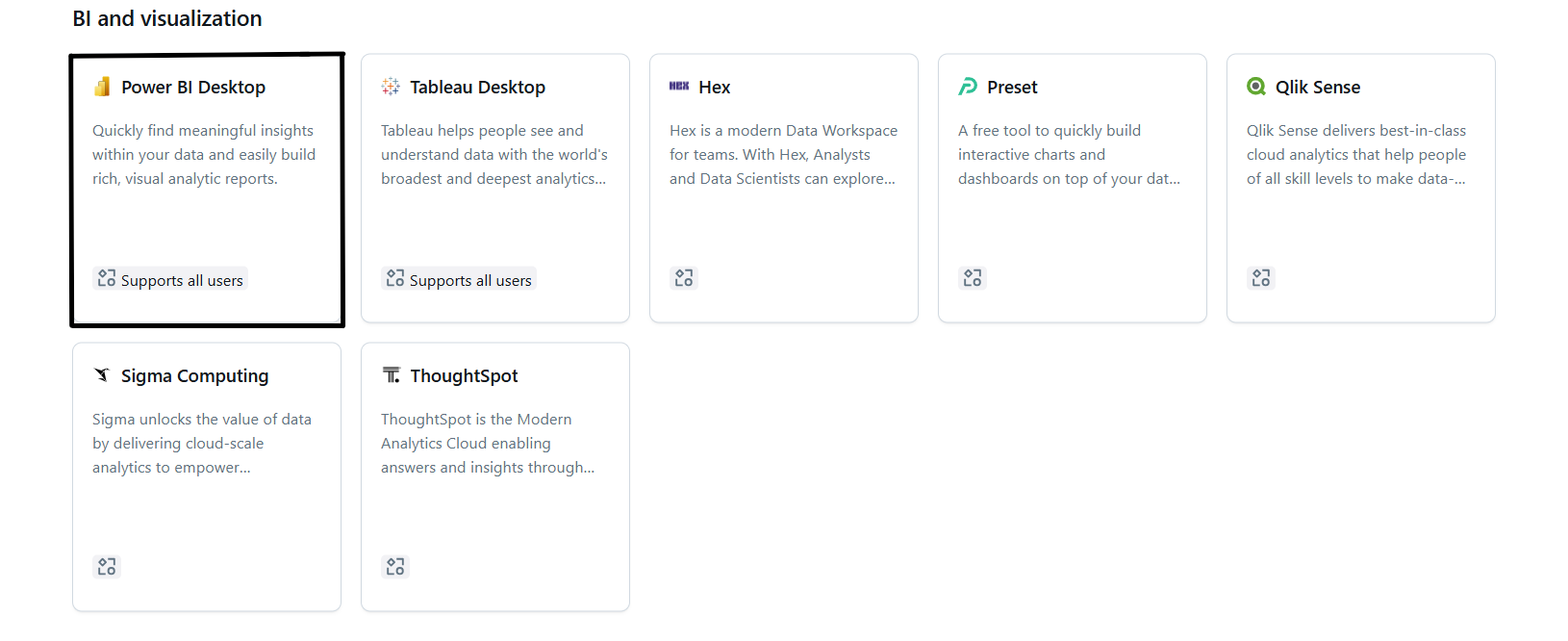
STEP 3: Select “View all integrations”. This will show all of the different connections available for Partner Connect.
STEP 4: Select “Power BI Desktop” to create the connection to Power BI.
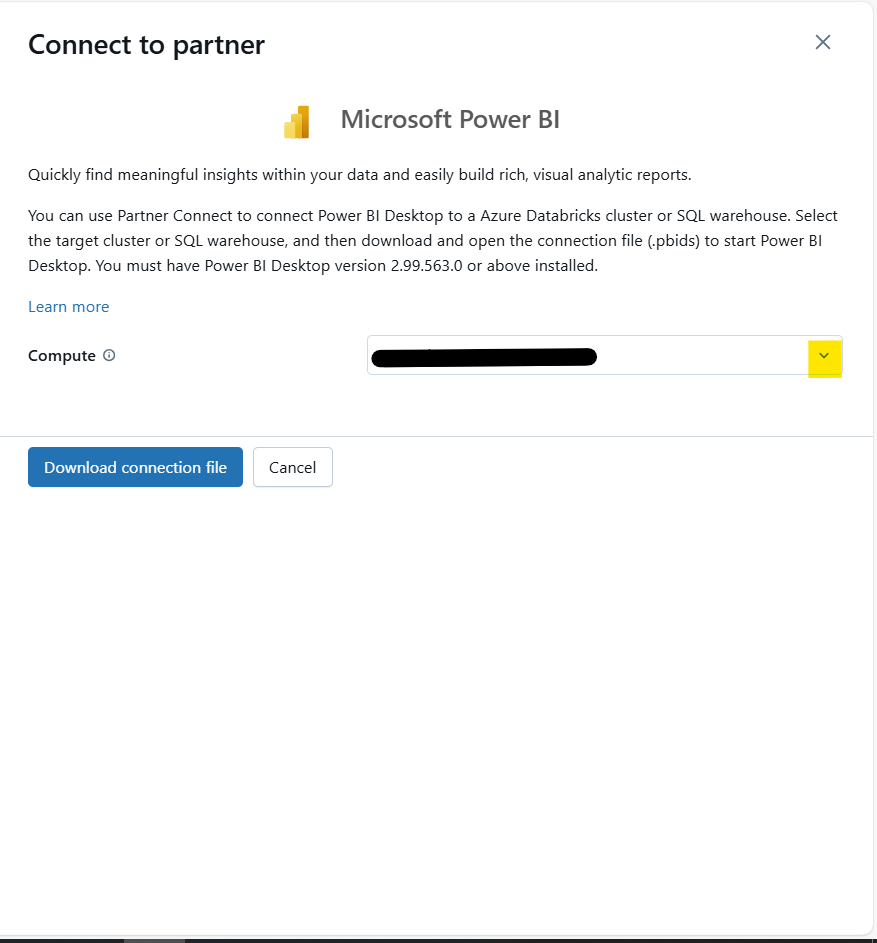
STEP 5: Use the dropdown arrow to select the compute resource that is going to be used to refresh the data in the Power BI report.
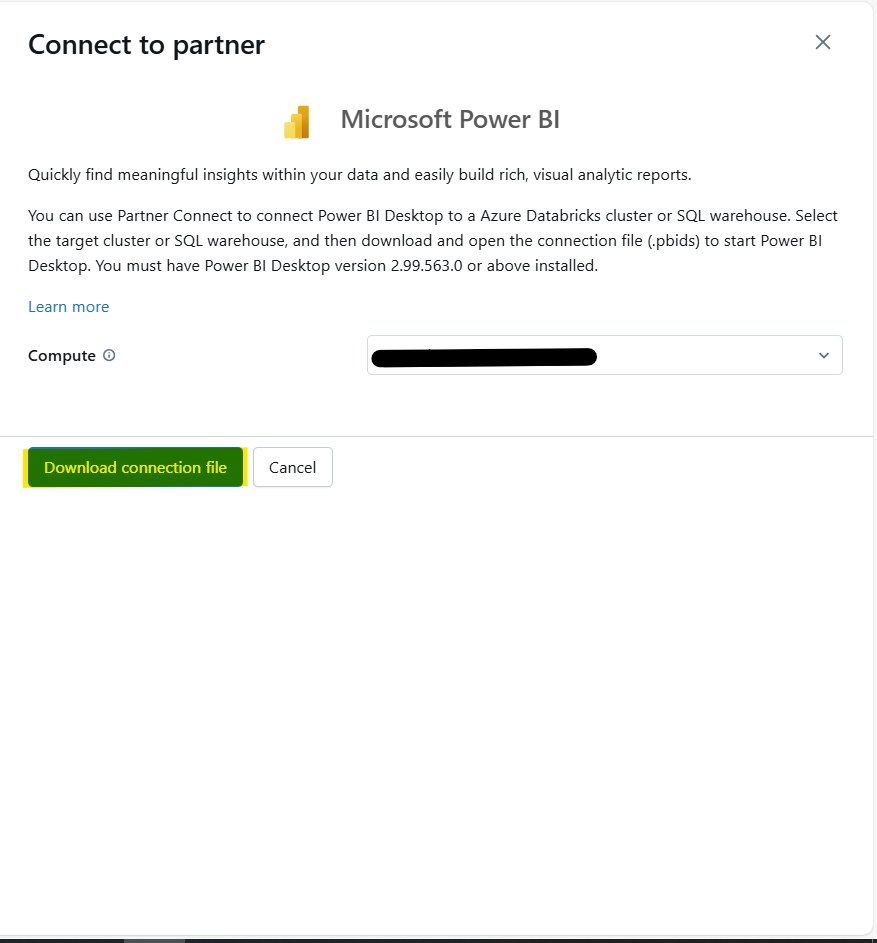
STEP 6: Select “Download connection file” this will create a .pbix file. When opening the file, it creates the connection to Databricks Lakehouse.
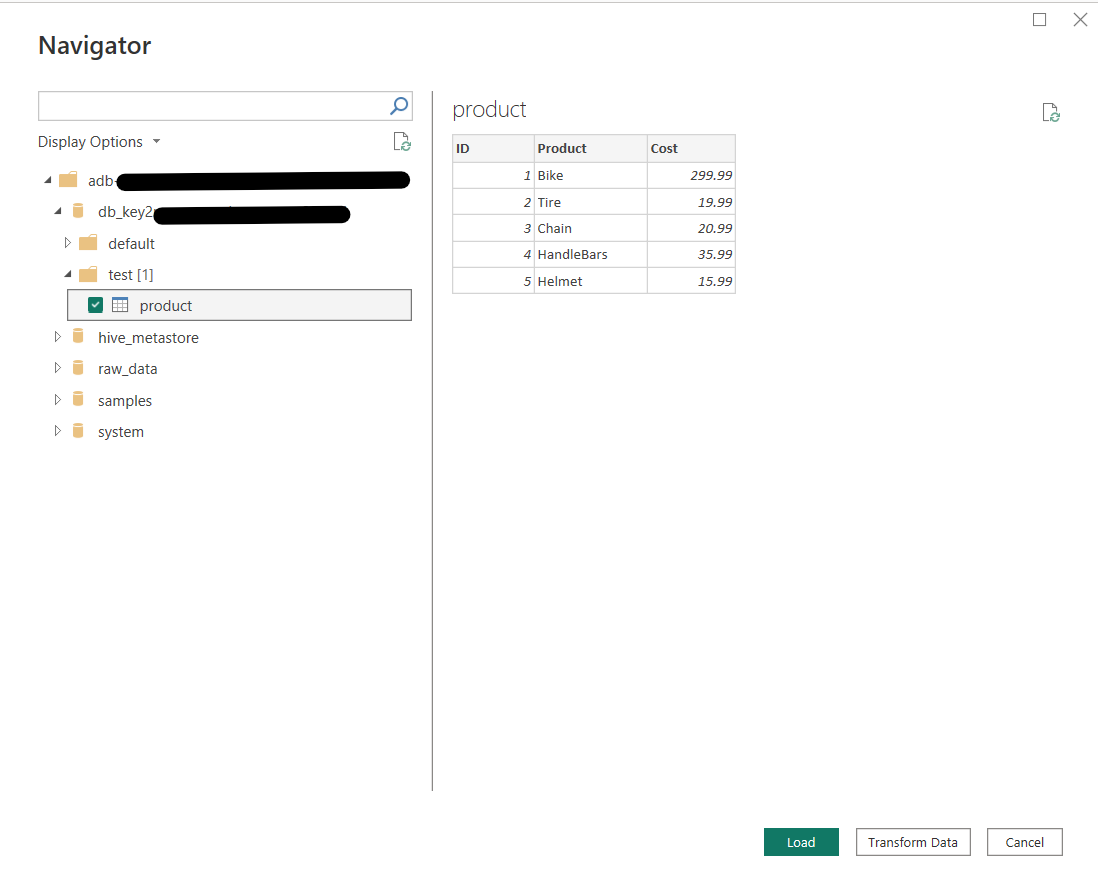
STEP 7: Open the File.
STEP 8: Select the tables that need to be brought into Power BI.
STEP 9: Create your report and publish it to PowerBI.com
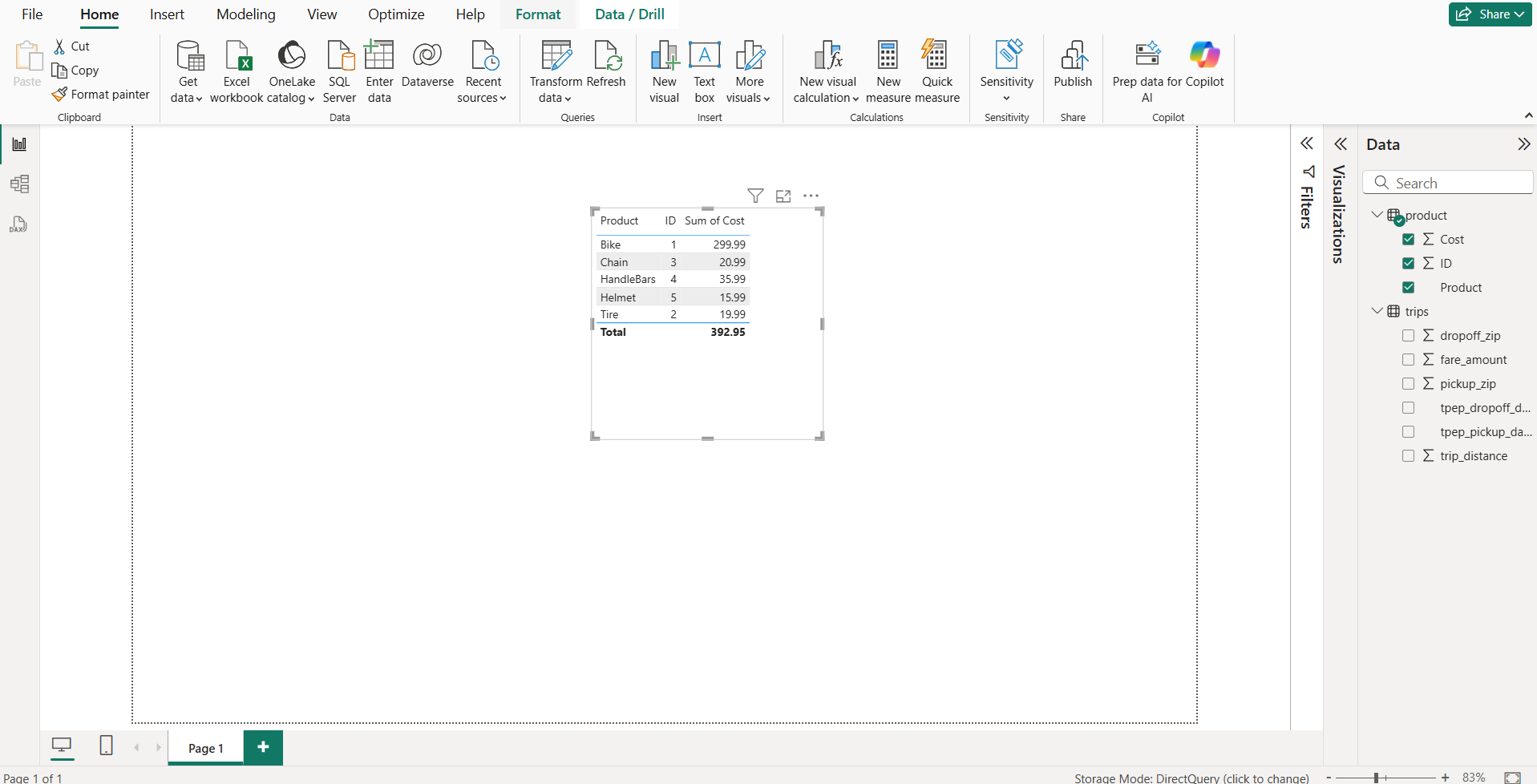
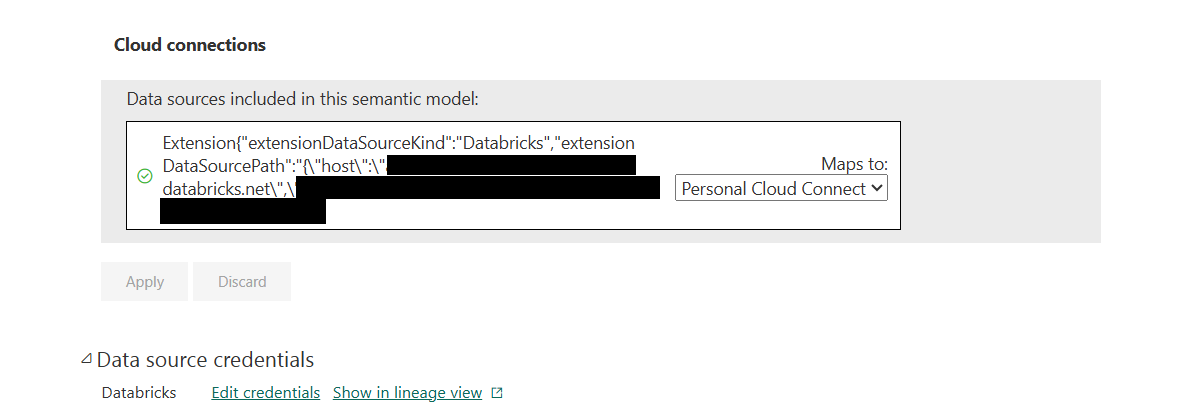
STEP 10: Go to your Semantic model and check your connection is active
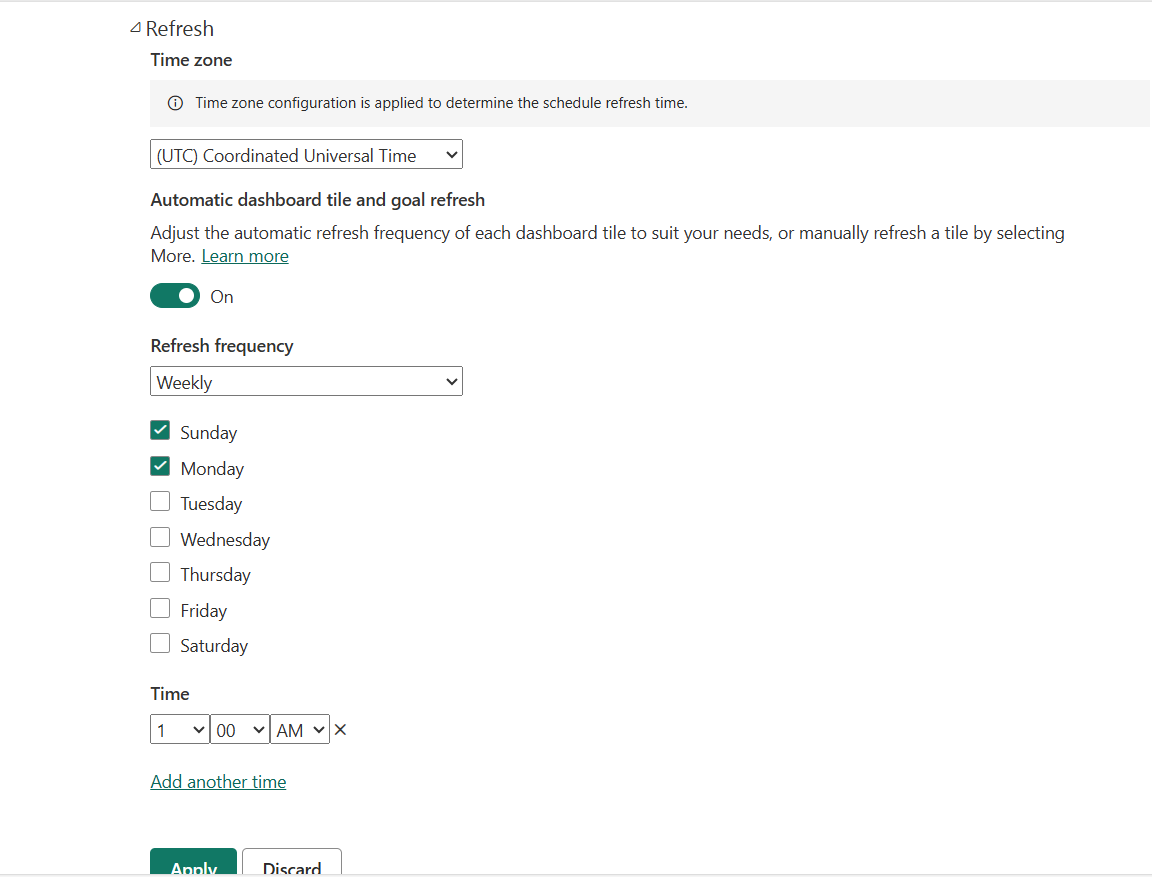
STEP 11: Create your Scheduled Refresh
Using Partner Connect allows users to connect their data in Databricks Lakehouse to an external source with just a few clicks. This makes it easier for the business to get the most out of the data as soon as possible. Partner Connect has many other uses beyond just connecting to BI and visual reporting resources. This allows developers to work with multiple different products without having to remember the specific connection string for each product.